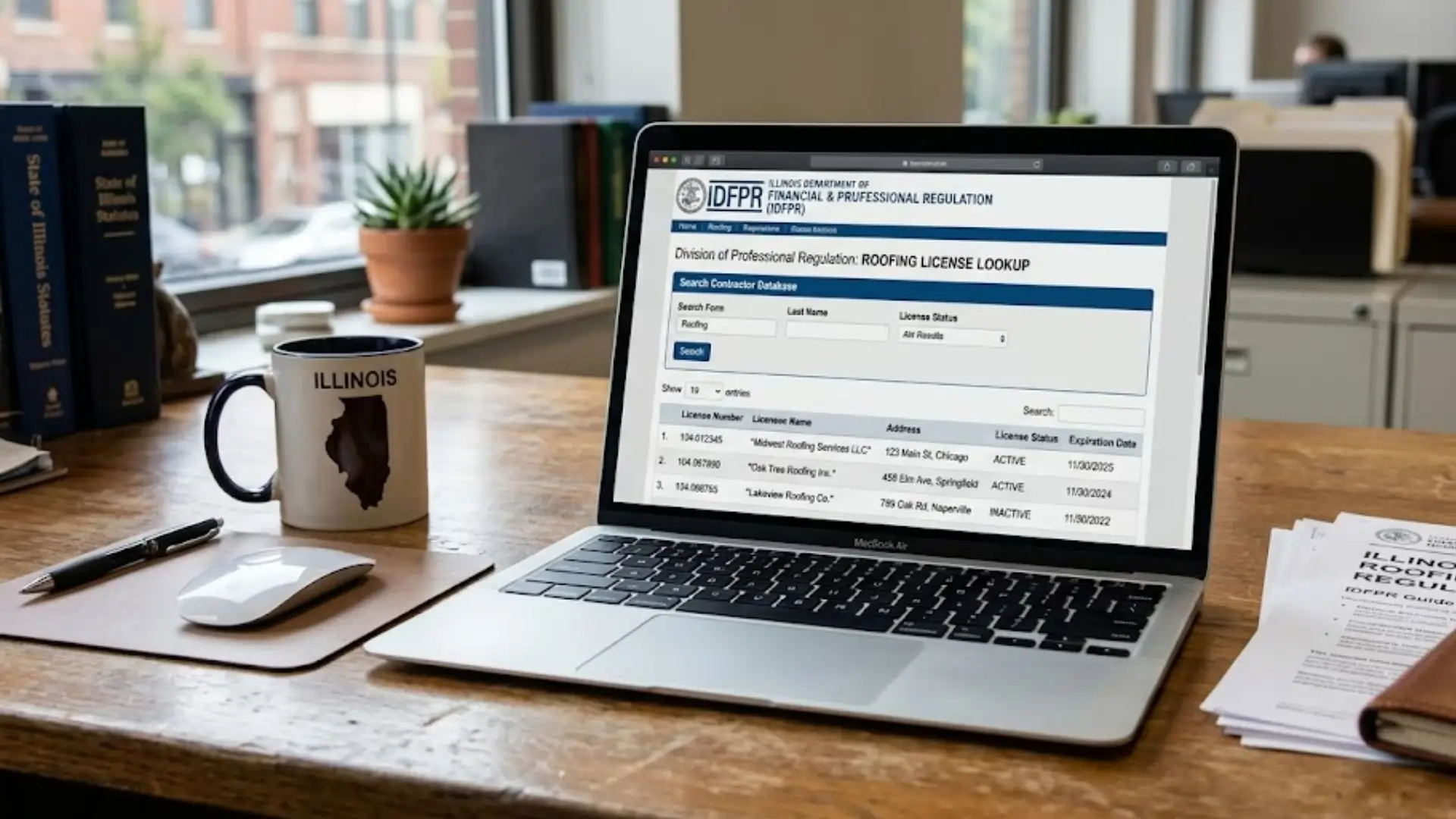
The data of every licensed Illinois roofing contractor is in the IDFPR database. Everyday thousands of people use it to lookup the validity of their license. But tens of thousands don't know a thing about this convenient tool or how to use it.
We explain how you can use this tool and what you should do if something weird shows up. The quick guide is right below and you can find the full guide with pictures below.
The lookup runs fastest with the nine-digit license number. Illinois roofing numbers usually begin with 104 or 105 and, by law, appear on contracts, bids, and advertising. You can find this number of your license or renewal notice.
Don't have the number at hand? You can search by business name or last name instead. Have the exact legal business name, any DBA, and the city ready, because the database needs an exact match.
Gather this before you search:
Got the details? Follow the steps below.
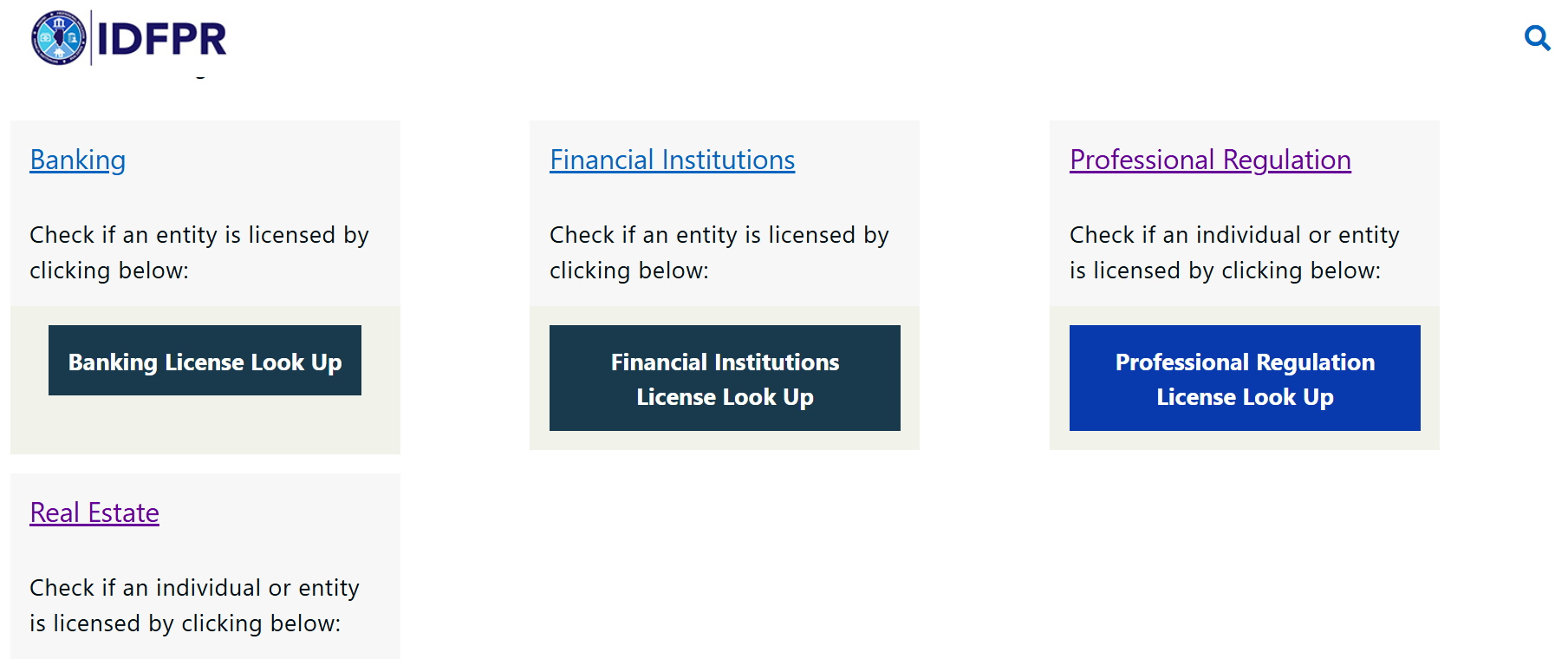
Go to the IDFPR website check license page. Then click on the professional license regulation check button.
After that click on Begin.
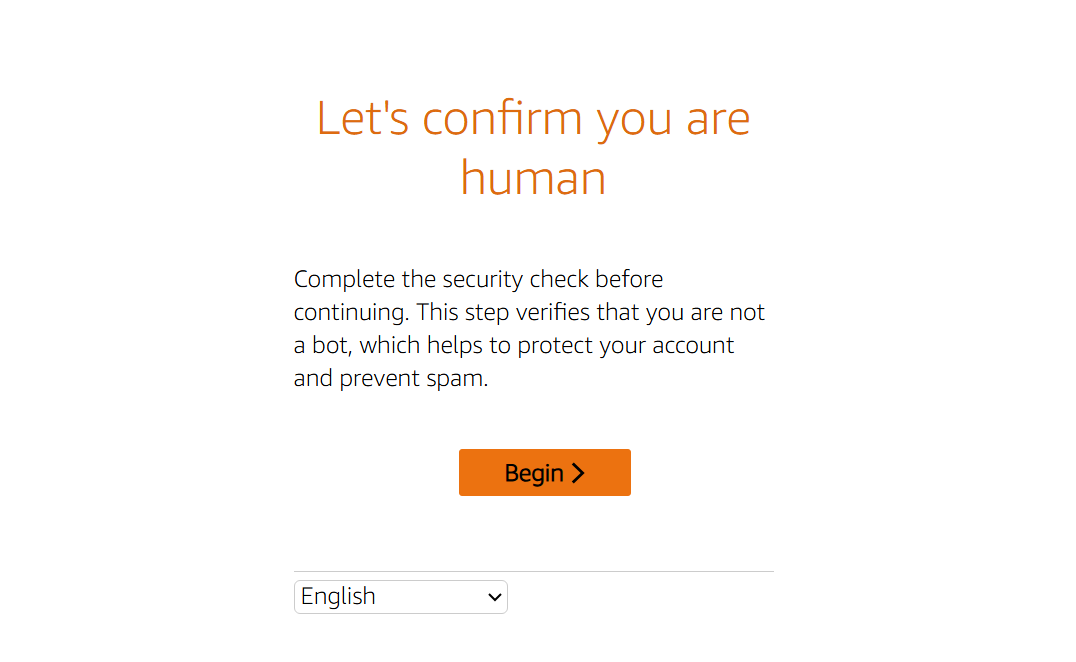
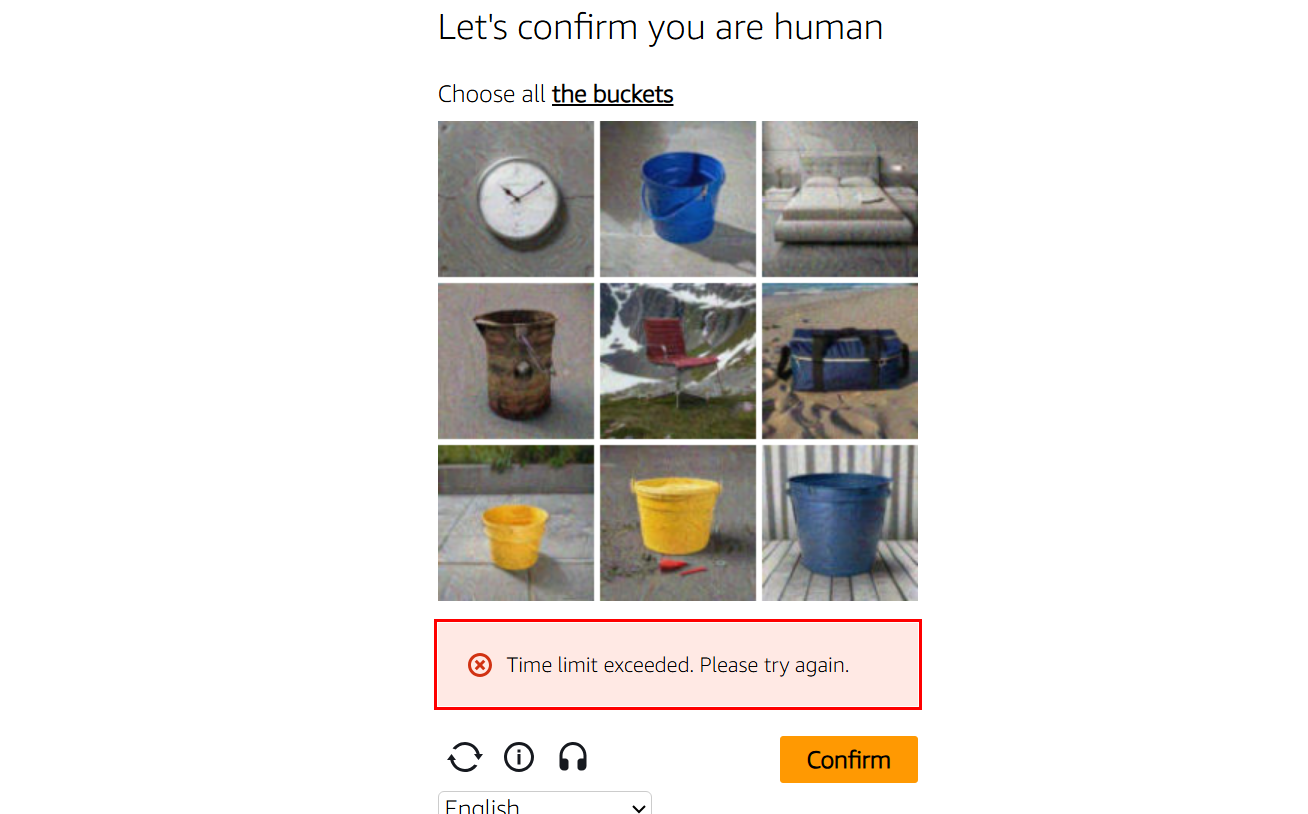
Fill out the Captcha.
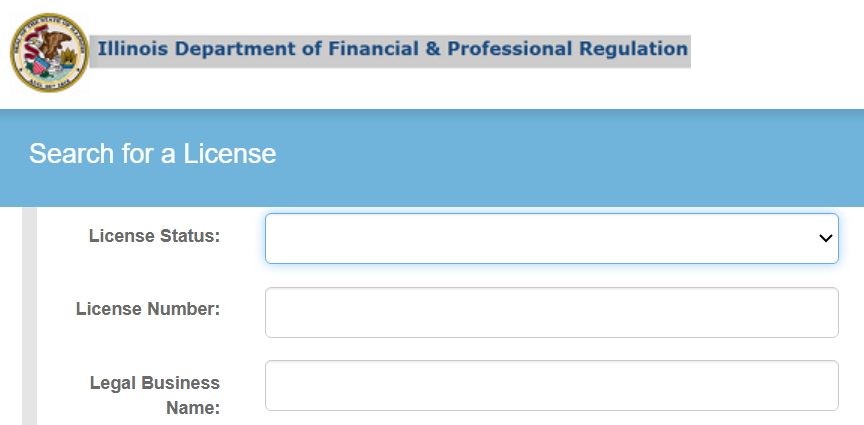
The tool is free, public, and needs no account. Bookmark it, because you will use it often. You will land on a single search page with a row of fields.
The License Type field is required, so start there. Open the dropdown and scroll down, because the list is alphabetical and long. Select "ROOFING CONTRACTOR."
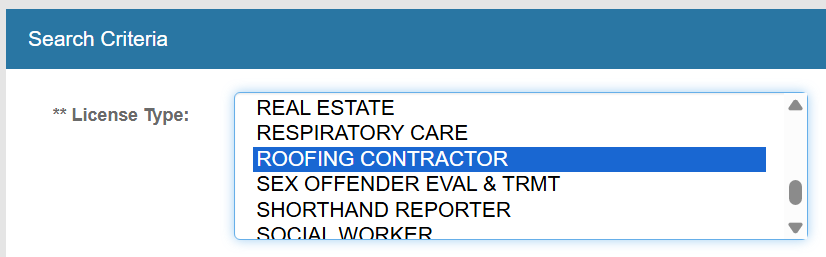
This one limits the filters of the entire database to roofing licenses. Choosing the wrong type is the most common reason a valid license seems to vanish.
With the type set, type the nine-digit license number into the License Number field.
If the number shows a period, like 104.019924, delete the period so you enter nine straight digits i.e 1040199924. Clear any extra spaces before or after. You can also set the License Status filter to active licenses only.
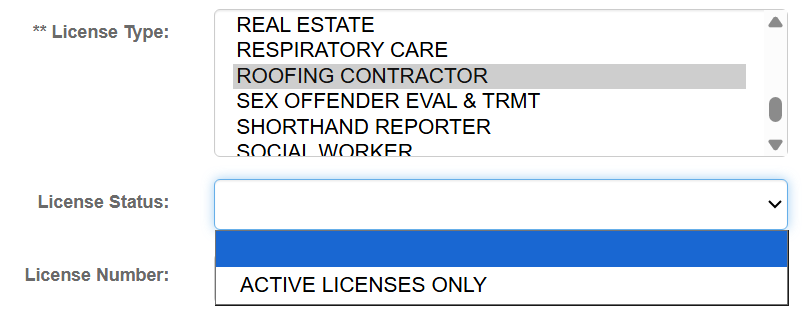
That is the cleanest search and returns an exact record. Leave the name fields blank when you have the number. Fill the Captcha at the bottom and click on Search.
No license number? Use the Legal Business Name, Doing Business As (DBA), or Last Name fields instead. Treat this as a backup, since the IDFPR database requires an exact match and shared names get messy fast.
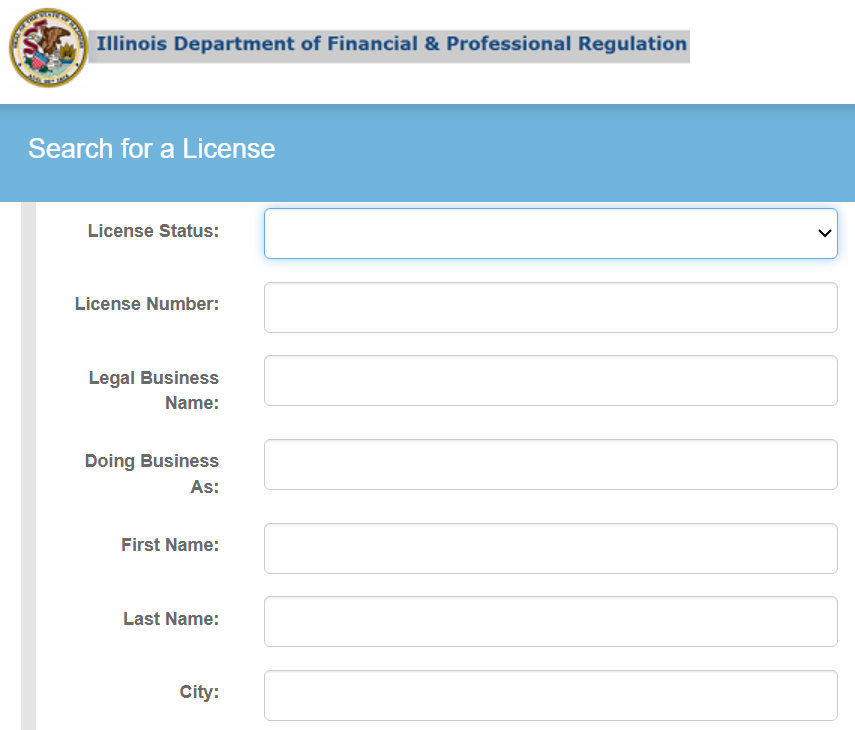
Spacing and spelling matter more than you would think. A search for "Home Hero Roofing" can return nothing, while "HomeHero Roofing" finds it at once. Furthermore, try both the legal name and the DBA if the first pass comes back empty.
Your name-based options:
When you're done entering this information, fill the captcha and click on Search.
When the record loads, go straight to the status. You want it to read "ACTIVE." The license number sits under the Credentials column, and the expiration date should be a future one, since roofing licenses renew every two years.
We entered an cancelled license number into the lookup tool and the results looked like this:

Then scan the discipline field. An "N" in the Ever Disciplined column means a clean record. Confirm the business name, licensee name, city, and state match what you expect before you trust the result.
That's pretty much it. Follow the steps below if your search didn't show any results.
A blank result could be because of three things:
In most cases, people type a wrong digit or leave a blank field. You just have to refill the form to get the actual status results. Conduct a loose search if that doesn't work:
If you truly get nothing on a clean nine-digit number, the license may be invalid. In that case, you have to contact the Illinois Department of Financial and Professional Regulation. You can reach them via phone at 1 (888) 473-4858.
The tool is the IDFPR License Lookup, reached from the Check License page at idfpr.illinois.gov. It is a free public database of every Illinois professional license. Select "Roofing Contractor" as the license type to search roofers.
Open the IDFPR License Lookup, select "Roofing Contractor," and enter your nine-digit license number. The status should read "Active" with a future expiration date. It is the quickest way to catch a renewal before it lapses.
An Illinois roofing license number is nine digits and usually begins with 104 or 105. It often appears with a period, like 104.019924, which you remove to enter nine straight digits. By law, you must display a license number on your contracts, bids, and ads.
"Not Renewed" is the most common lapsed status, meaning the renewal deadline passed without action. The license no longer authorizes roofing work. You must complete the IDFPR license renewal and return to "Active" before working again.
The Qualifying Party holds the credential that licenses the whole company. If the Qualifying Party leaves, you must tell IDFPR within 30 business days and name a replacement within 60. Without a valid one, the company is not properly licensed.
The IDFPR database needs an exact match, so spacing and spelling matter. A single extra space or a missing word can return zero results. Search by license number when you can, or try both the legal name and the DBA.
Illinois roofing contractor licenses renew every two years. The lookup shows the expiration date, so check it well ahead of the deadline. Failing to renew within the stipulated time means you have to reactivate your roofing license.
The IDFPR License Lookup is a two-minute habit that protects your license and your liability. Select "Roofing Contractor," enter the nine-digit number, clear the CAPTCHA, and read the status. Active status, a future expiration, and a listed Qualifying Party are the three things you want to see.
Run it on your own license before every busy season, and on every sub before they touch a roof. Seeing weird data or don't have a license?
Our experts have helped countless people navigate licensing problems.




.jpg)